
Orders typed by hand
The order comes in through the web and someone re-enters it in SAP, Odoo or Business Central. Between 4 and 8 minutes per order. One wrong digit is a return.
Module 04 · Integrafy Platform · No-code automation
FlowOrders that enter the ERP on their own. Normalized supplier catalogs. Synchronized stock and prices. Statuses and delivery notes to the customer. No manual intervention and no transcription errors.
The challenge
In most industrial and distribution companies, the integration between the ERP, the store and the suppliers is done by a person. With Excel, copy-paste and good will.
The order comes in through the web and someone re-enters it in SAP, Odoo or Business Central. Between 4 and 8 minutes per order. One wrong digit is a return.
Every supplier sends its file with its own structure, field names and units. None of them match. Someone reconciles them by hand every week.
The web says there is stock and the warehouse says there is not. The store price list is not the ERP one. The customer finds out after buying.
The customer calls to ask where their order is. Sales asks logistics. Logistics checks the ERP. Three people for one answer.
The cost is not in the software. It is in the team’s time and in the errors nobody accounts for.
What really matters
An automated process is worth as much as its traceability: what came in, what went out, what failed and who found out. Flow is built around that question.
Integrafy Flow
It takes data from wherever it is (an ERP, a supplier FTP, a CSV, an API or a website without an API), transforms it according to your rules and leaves it where it is needed. And it runs, without anyone touching it, the business processes a person does today.
It is configured with visual rules. No programming needed. When the logic is very specific, it accepts custom code at specific points of the flow.
Where Flow sits in Integrafy Platform
How it works
Every automation is a workflow: one or several data sources, a set of rules and one or several destinations. It is scheduled, run and audited.
Multiple sources in one workflow. ERP, PIM, suppliers, marketplaces.
Preview of the result before publishing. Comparison between runs.
Preconfigured or custom destinations. By API or by export file.
Every 5 minutes, hourly, daily or triggered by a real-time event.
Email, webhook or SMS on every run, depending on the result and the conditions you define.
Log of every step, number of records, errors, retries and result download.
Comparison
Most integrations start as someone’s daily task or as a script only its author understands.
Step by step
If something fails · retry with backoff and alert to the owner · every run is recorded in Observe
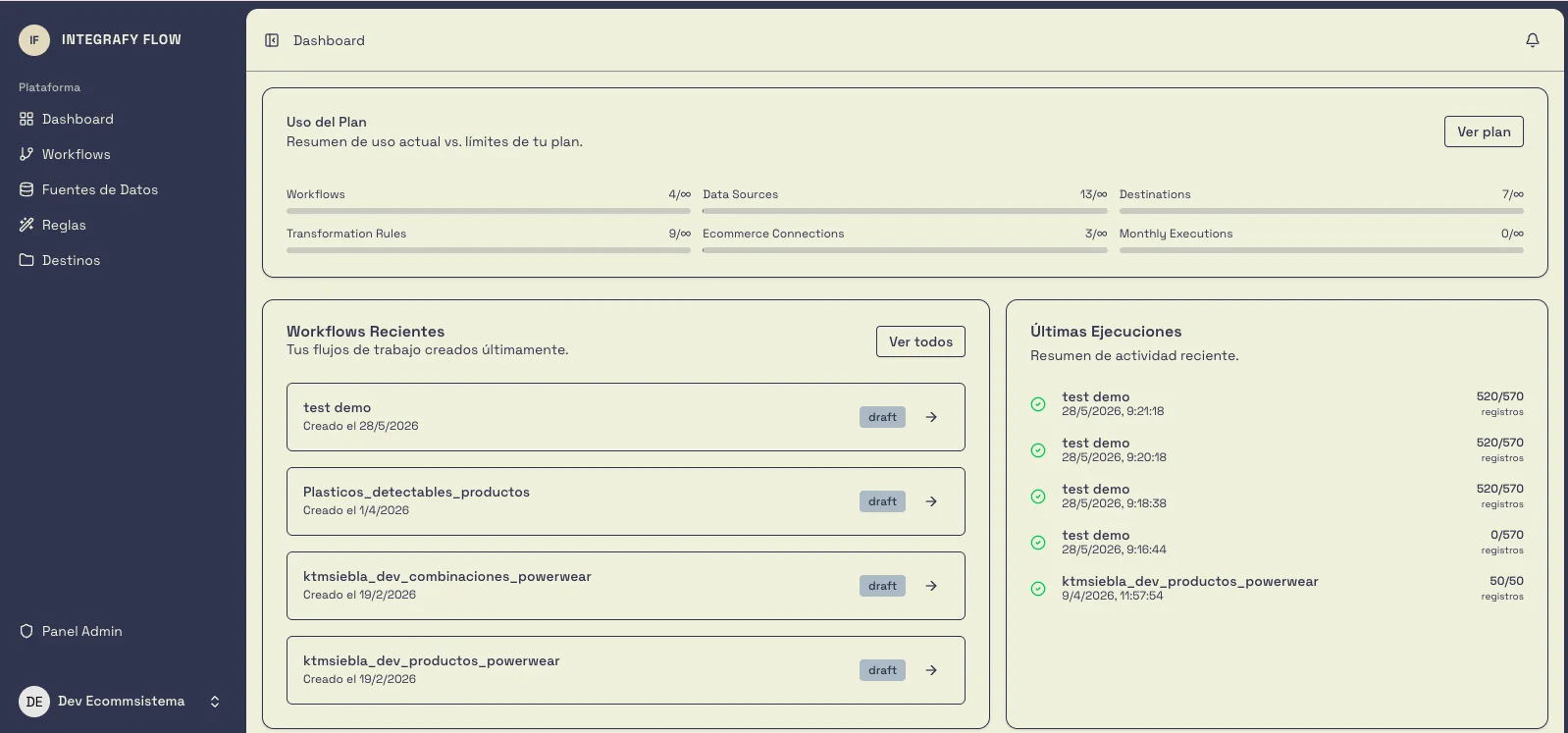
Dashboard
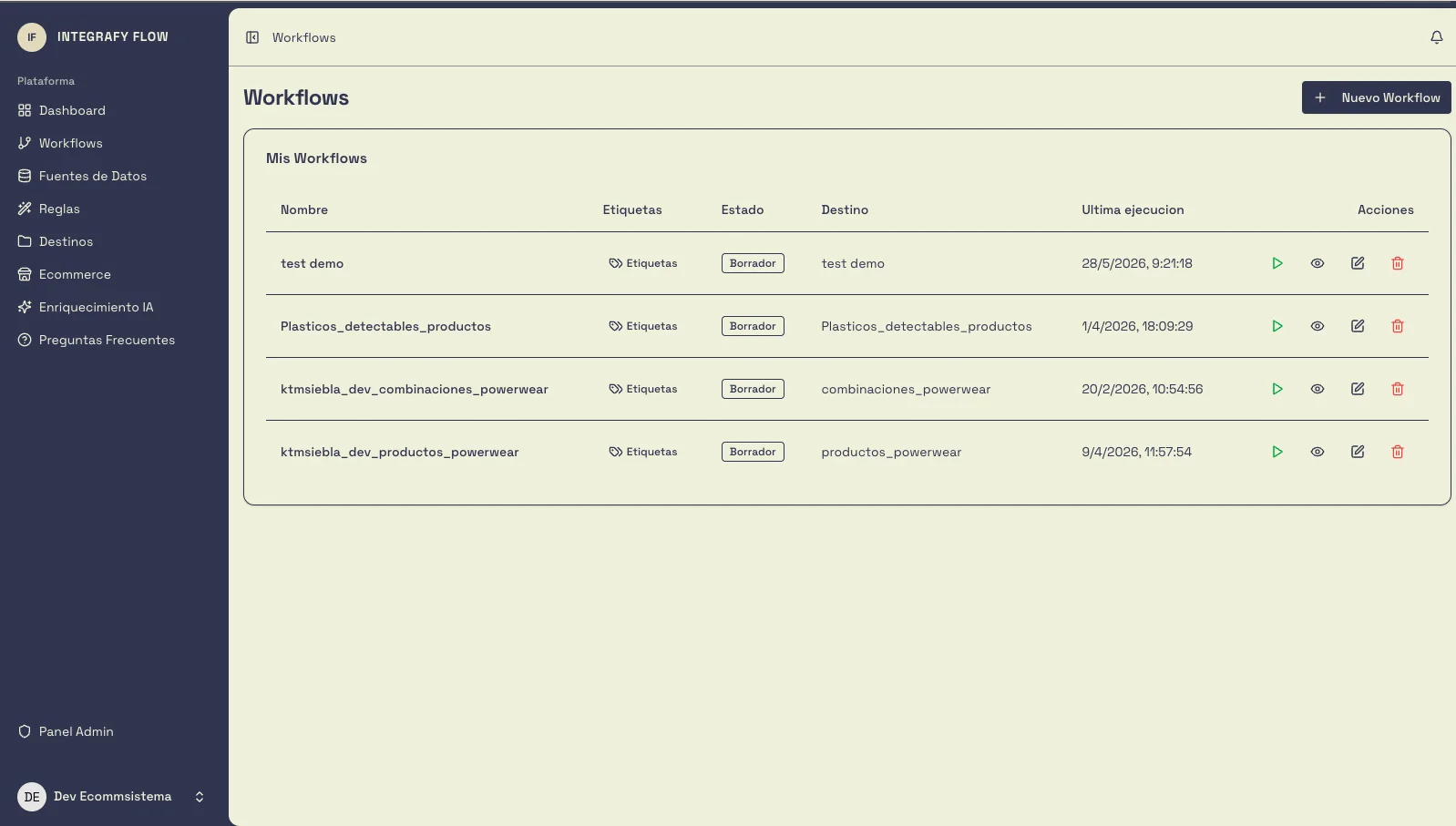
Workflows
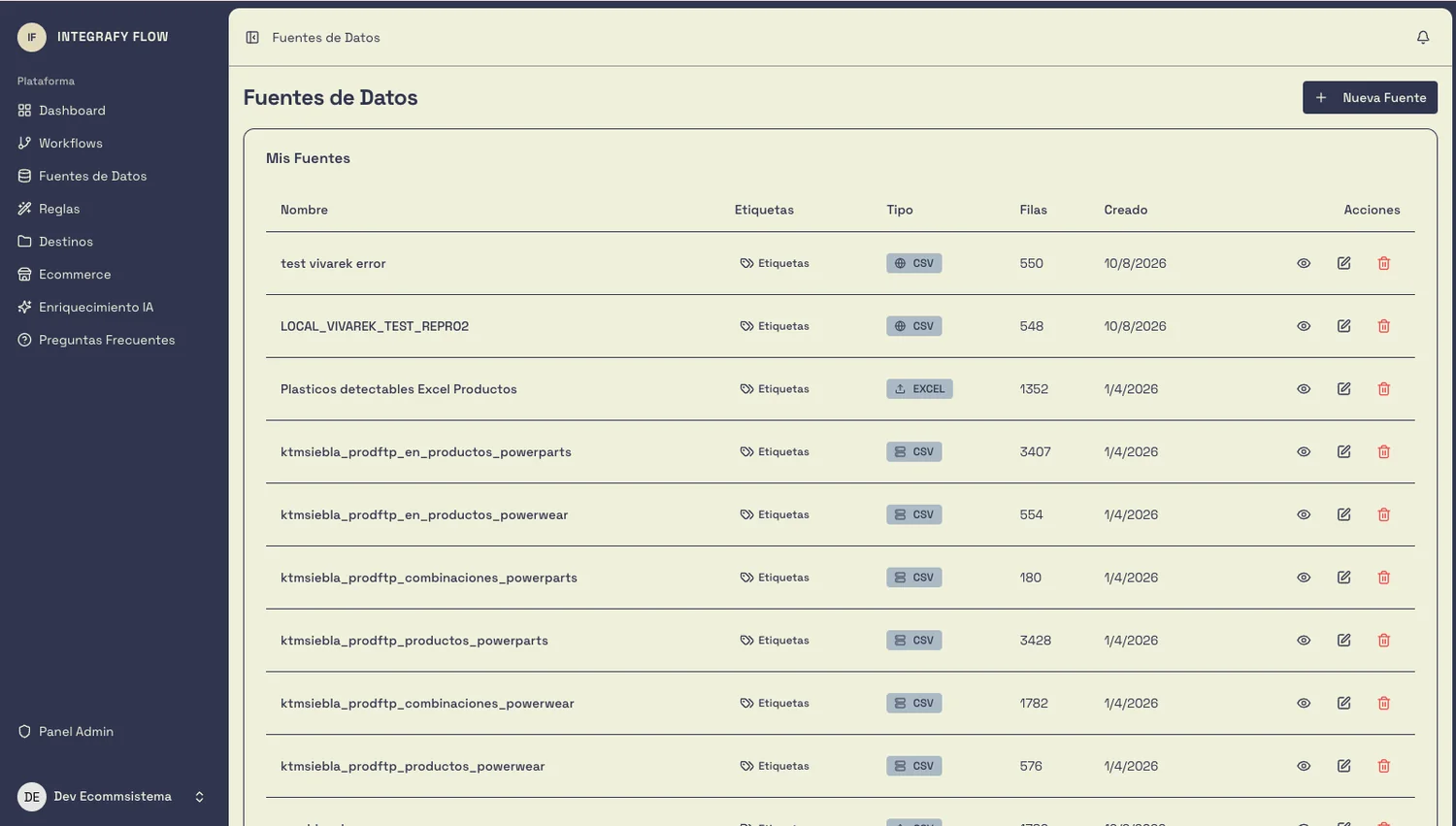
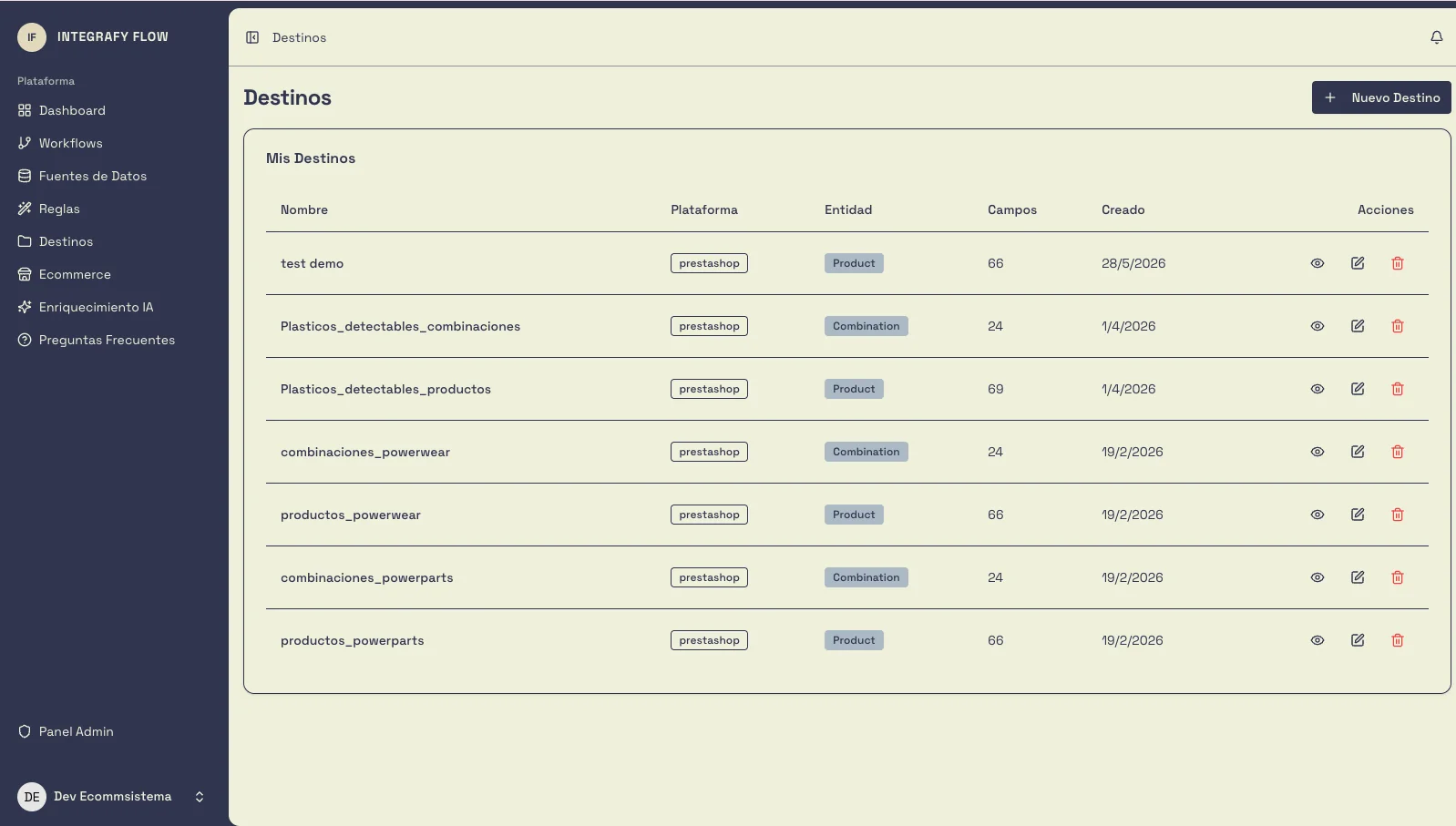
Data sources
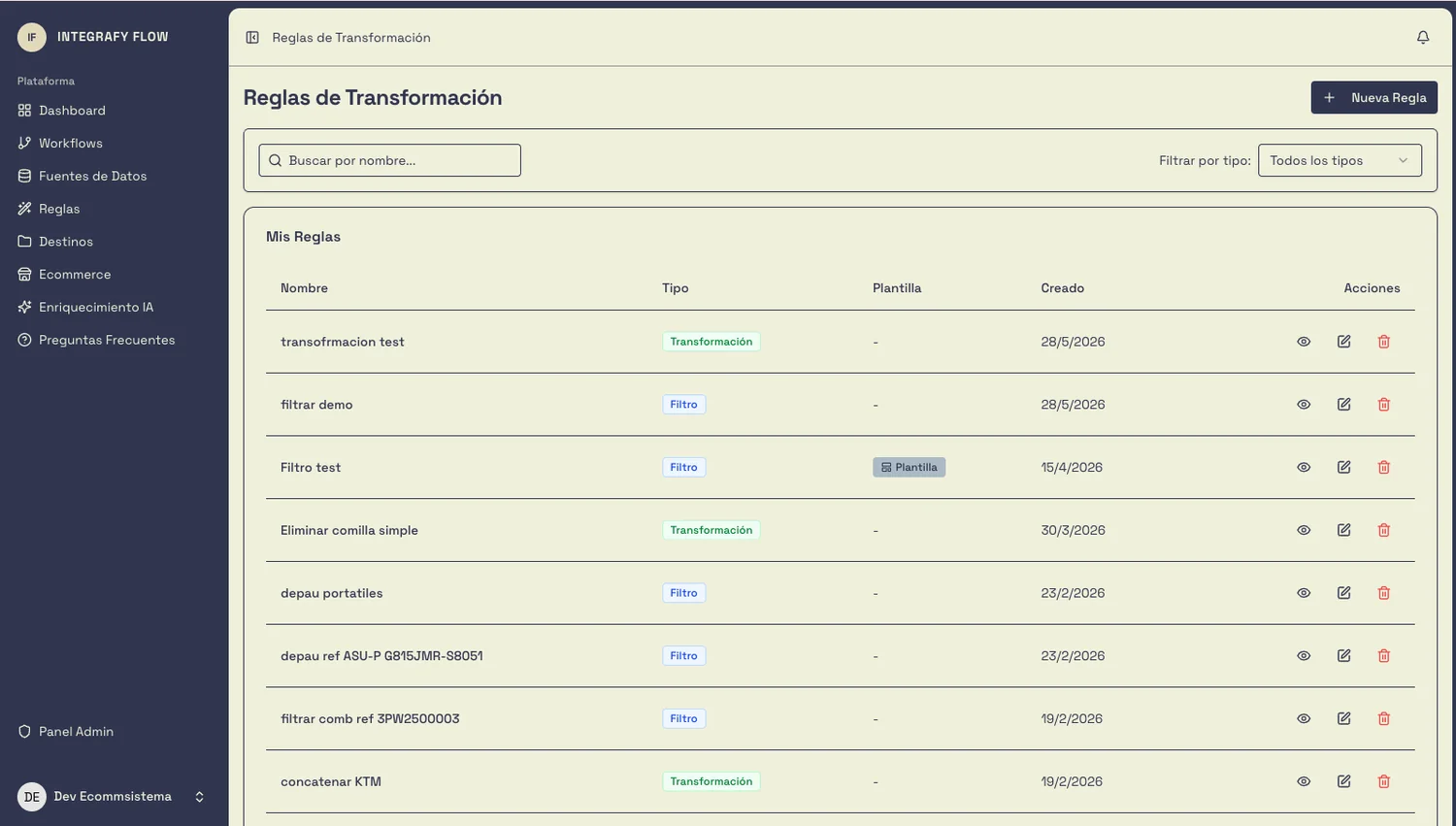
Transformation rules
Destinations
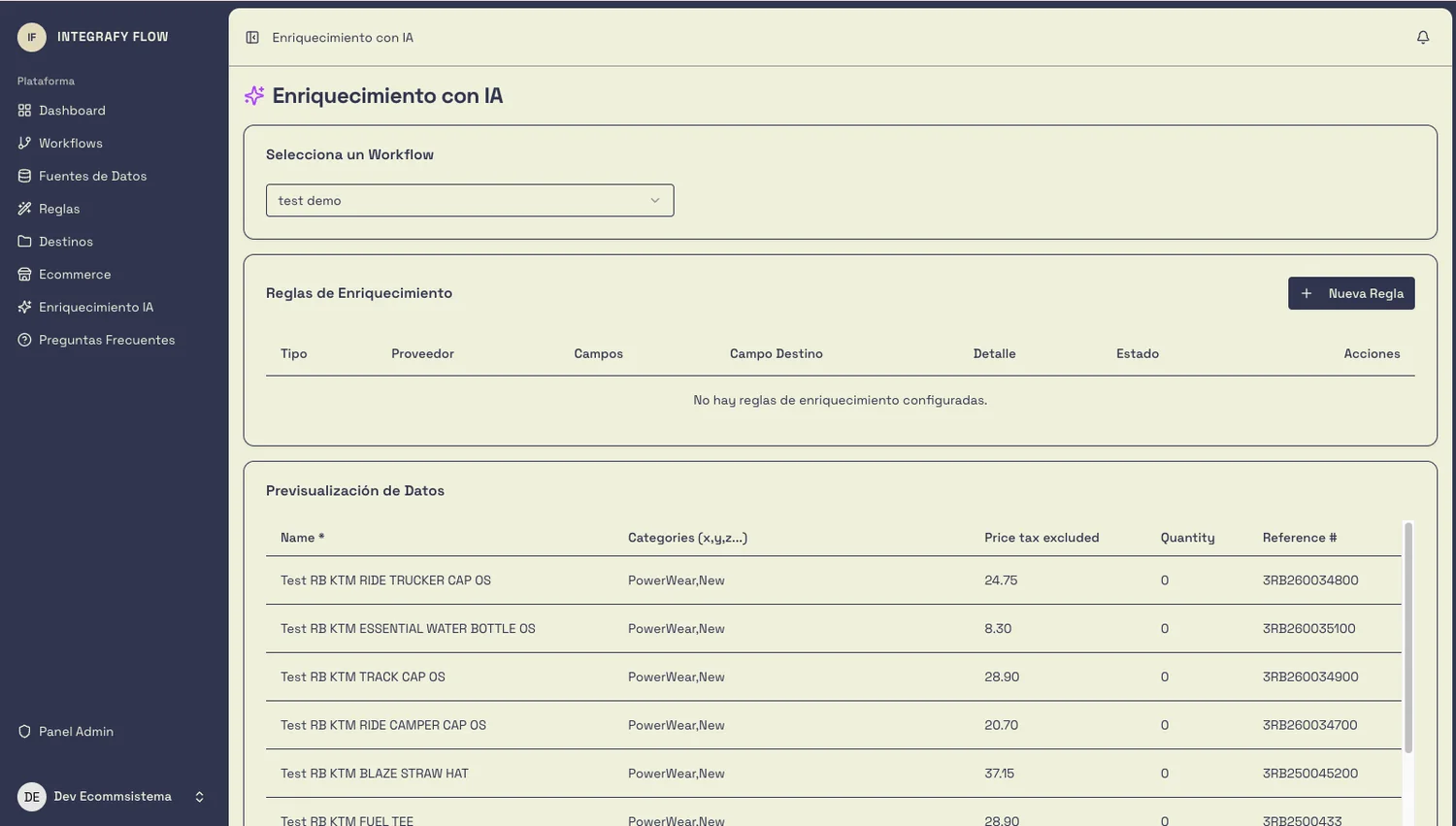
AI enrichment
Automation cases
Order confirmed in the eCommerce → sales order created automatically in the ERP. Customer, lines, address and payment method. All mapped.
When the warehouse confirms preparation in the ERP, the status updates in the store. The B2B customer sees “Shipped” in their private area.
The delivery note generated in the ERP is sent automatically to the customer by email or made available for download in their B2B portal.
Does the customer exist in the ERP? Do they have available credit? Is there stock? Is the payment method valid? Checked before generating the order.
If the order exceeds €5,000, it requires management approval. If the customer is new, it is created first in the ERP. If stock drops below minimum, restocking is triggered.
Email, webhook or SMS to the sales team, the warehouse, the supplier or the customer, depending on the event and the conditions you define.
Real example · B2B distribution
Real case with PrestaShop and SAP B1. The same pattern applies to Shopify, Magento, Odoo, Business Central, Sage or AS/400.
Observe · records every step, retries if something fails and alerts the owner · Agents watches stock below minimum
Suppliers without a feed
It is the most common case and the one nobody solves. Large suppliers are structured; small ones send a PDF, a web catalog or nothing at all.
Flow includes scraping as a data source. The information is extracted from the supplier’s website or document, a normalized file is generated and that file enters the same workflow as the others.
Product sheets, price lists and catalogs published without structure.
Scans and handwriting require reasoning models, not just any OCR. We pick the model case by case.
Per supplier. The range has narrowed thanks to the accumulated automations.
The same rules and destinations as a supplier with an API. No need to ask the supplier to change.
Layer 02 · Integrafy Data
Flow moves and transforms. Integrafy Data is where the catalog lives: the single source of truth that feeds the website, marketplaces and the files you send to your customers.
Configurable views, filters and per-channel editing. Automatic categorization by reference pattern.
Families with mandatory attributes per type. Quality reports before publishing.
Image templates and resolutions, collections shareable with sales reps or customers.
One-click translation of product sheets, with the account’s brand context to avoid hallucinations.
Connectors
And if your system is not on the list, it connects anyway: by API, by file or by intermediate database.
Is your ERP from 1998 and only exports flat files over FTP? That works too. It is exactly the kind of project we do.
Plans
Monthly fee with no lock-in + one-off onboarding.
One store, one ERP and the first flows.
Onboarding · €490
Multi-supplier catalog and automated orders.
Onboarding · from €1,500
Critical real-time operation, with validations in the ERP.
Onboarding · from €3,500
Multi-ERP, multi-store and several markets.
Onboarding · custom
Prices in euros, excluding VAT. No lock-in. Most industrial B2B projects sit between €290 and €490/month on Flow; with Integrafy Data, the usual range is €659 to €1,249/month on the Operations pack. Amounts are indicative and closed after requirements gathering.
Delivery model
The product is the same. What changes is who deploys it, who maintains it and where it runs.
We take care of everything. You operate.
Your infrastructure, your technical partner, your pace.
Both models share the same product and the same plans. On-premise the pricing policy changes: it is licensed per environment instead of a SaaS fee per volume.
How we work
It is the part almost nobody does and the one that decides whether the project goes well. Not a single line of code is written before the flows are validated with the people who will use them.
Suppliers, file formats, catalog, price lists and order flow. Detailed, in writing.
What comes in, what is transformed, what goes out and what happens when something does not add up.
Production and logistics review the flow before implementing it. They know the exceptions.
Configuration of sources, mappings and rules. Tests on real data in a controlled environment.
Your team must be able to create and modify workflows without calling us. That is the proof it is done right.
30 days included after launch and ongoing support according to plan.
We build solutions that help sell and, above all, that reduce errors, costs and lead times in operations.
Yes. Flow lets you build conditional logic: if the order exceeds X euros, it requires approval. If the customer is new, they are validated before being created in the ERP. If stock is insufficient, the warehouse is notified.
Every step of the flow is logged. If it fails, it is retried automatically with exponential backoff. You can configure alerts so the team acts only when needed.
Yes. On the Scale plan, Flow processes events in real time or every 5 minutes. An order confirmed in PrestaShop appears in SAP in seconds, not hours. On Growth the sync is hourly and on Start, daily.
No. Flows are configured with visual rules. If your logic is more complex, you can use custom code at specific points of the flow.
Yes. Flow includes scraping and OCR with reasoning as a data source: information is extracted from the supplier’s website or PDF, normalized and entered into the same workflow as the rest. Quoted per supplier, between €350 and €900.
Yes. The return flow can create the credit note in the ERP, update stock, notify the customer and generate the return label.
From €89/month (Start) to €490/month (Scale), with Enterprise from €900/month. Onboarding starts at €490 on Start and from €1,500 on Growth, closed in writing before starting. No lock-in.
Demo on your case
30-minute demo on your real case, no commitment. We leave with a diagnosis and a closed price.
Request a demo